

Oticon ConnectClip Wireless Microphone and Headset
Product details
| Management number | 231026145 | Release Date | 2026/06/18 | List Price | US$112.00 | Model Number | 231026145 | ||
|---|---|---|---|---|---|---|---|---|---|
| Category | |||||||||
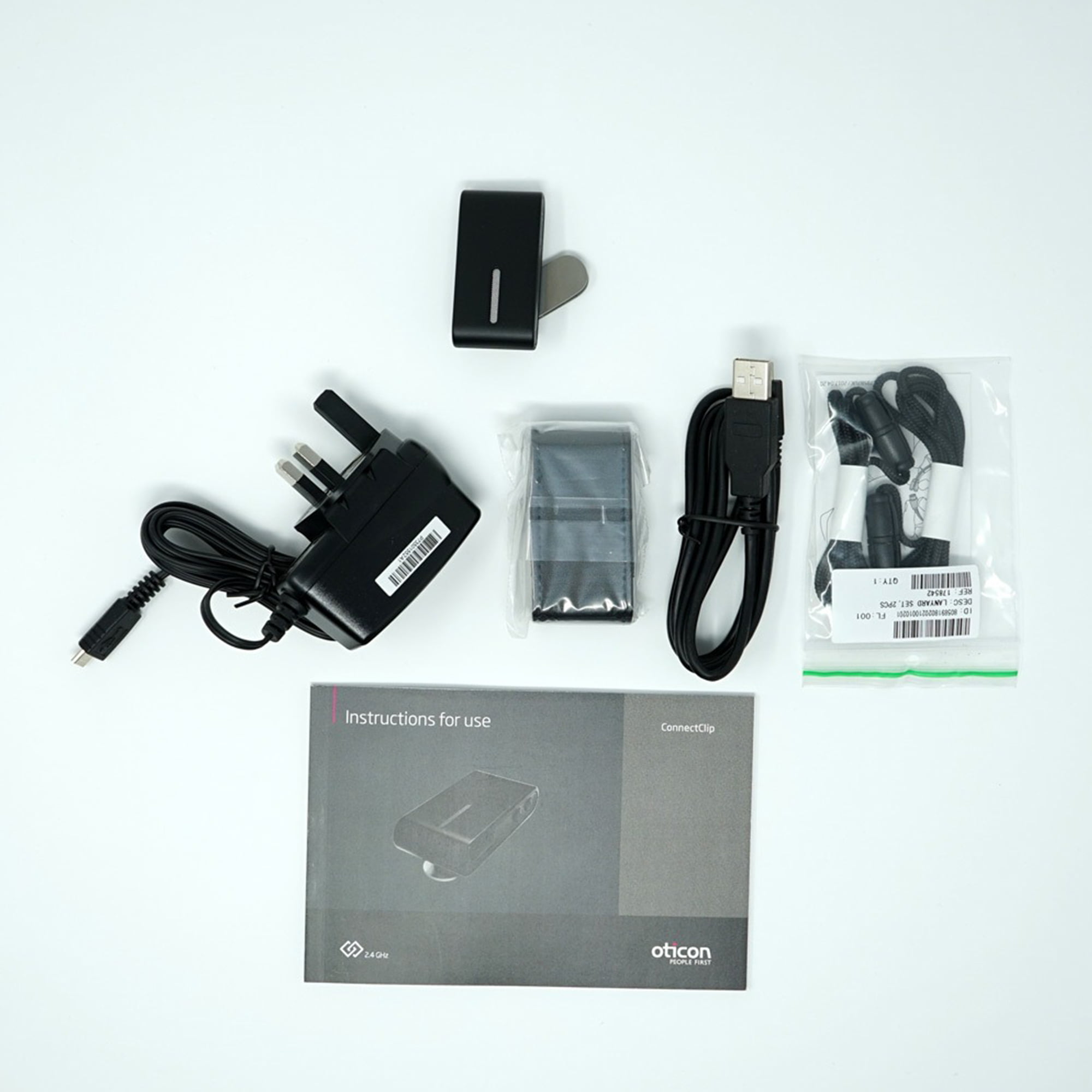
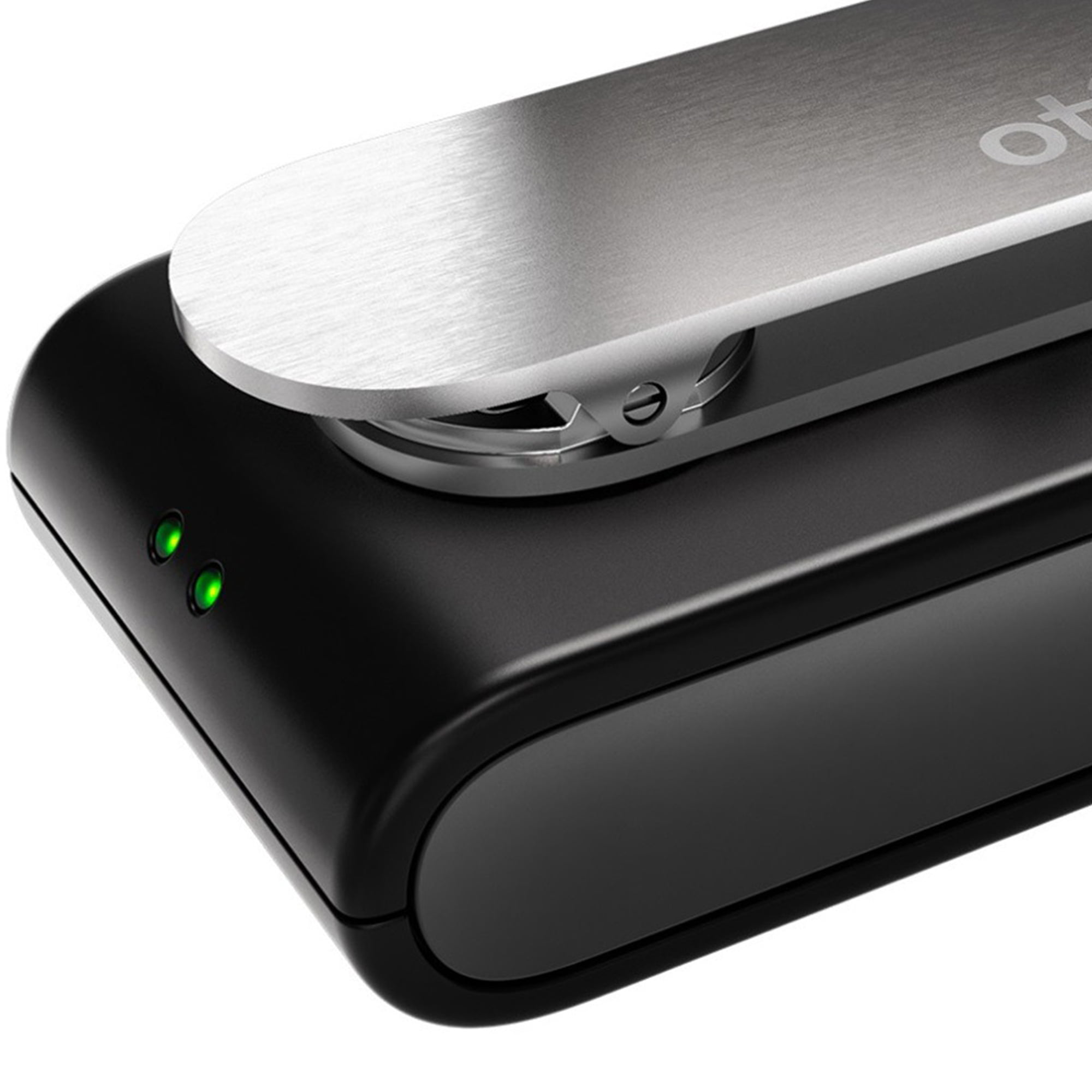
This amazing multifunctional gadget is equipped with a range of features and has many uses. In addition to its Bluetooth technology which essentially allows you to use your hearing aids as a wireless headset, it also functions as a remote microphone, improving speech discrimination when your conversation partner is positioned at a distance, even in the most challenging listening environments. What is more, it can also be used as a remote control, allowing you to seamlessly adjust the settings of your hearing aids, removing the need to do this manually. The Oticon ConnectClip even allows you to stream, accept, and decline landline telephone calls! Charging: If the power indicator lights turn red, this means that you have about 30 minutes of streaming time remaining. Connect the charger provided by plugging it into the micro-USB connector at the bottom of the device. The LED lights will then blink in green or orange. Two hours of charging will provide a full battery which will usually last for 16 hours, with 4 hours streaming time and 12 hours standby. The Oticon ConnectClip can be safely left to charge overnight. How to use: To use the Oticon ConnectClip, you will need to pair it with your hearing aids. First, make sure that it is turned off. Then press and hold the button on the side of the device for around 6 seconds until the LED indicator lights are off. After that, you will need to activate pairing mode on your hearing aids by restarting them (turn them off and then on). When you have done that, you will have three minutes to complete the pairing. Press and hold the button on the side of the ConnectClip for 3 more seconds until the LED indicator lights turn green. The next step is to pair the ConnectClip to your phone. Press the multi button on its side and the volume up button at the same time for around 6 seconds until the LED indicator turns blue. The device will then be in pairing mode for 3 minutes. After that, you will need to go to the Bluetooth settings section on your mobile phone to enable pairing. In case a PIN code is requested, enter 0000 (four zeros). Once the pairing is successfully completed, the LED indicator will light up in steady blue.
- Supports pairing with up to 8 devices
- Bluetooth-enabled
- LED indicator lights
- Rotating clip
- Allows volume control
- Supports mute mode
- Lets user control incoming calls
- Robust function range of up to 20m
- Suitable for use with the Oticon ON app
| Headphone style | Over-Ear |
|---|---|
| Audio feature | Noise Canceling |
| Wireless | Bluetooth |
| Brand | Oticon |
| Recommended use | Computer |
| Accessories included | charger |
| Connection | Micro-USB |
| Works with | Hearing Aids |
| Color | Black |
| Power type | Battery |
| Model | 178509 |
| Model name | ConnectClip |
| Compatible brands | Oticon |
| Activity | Video Gaming |
| Video game platform | Mobile |
| Edition | Standard Edition |
| Color category | Black |
| Compatible models | Oticon ON app |
Bestseller ranking
Computers


Customers who viewed this product also viewed
General

Correction of product information
If you notice any omissions or errors in the product information on this page, please use the correction request form below.
Correction Request Form